
Written by:
Pierce J.
Published:
August 21, 2026
Practical steps to move a home office and keep working, from backing up files to reconnecting internet fast. A Nashville moving guide for remote workers.
Moving a home office without losing work comes down to sequencing: back up everything digital before a single cable gets unplugged, keep a "day one" bag of the tools you need to function, and schedule your internet transfer before moving day, not after. The physical furniture is the easy part. The real risk is a missed deadline because your monitor is buried in a box marked "misc" and your router is still boxed up at the old address.
Remote workers and freelancers do not get a built-in grace period when they move. Clients still expect replies, invoices still go out, and deadlines do not shift just because a truck is parked outside. This guide is built around staying operational through the move, not just around packing a desk safely.
A home office needs its own plan because it is the only room in the house tied to your income. Every other room can sit half-unpacked for a week with no consequence, but a dead laptop battery or a missing charger on a Tuesday morning can cost you a client. Treat the office as a business relocation happening inside a household move, not just another room on the list.
That means separating "things that make money" from "things that furnish a room." A standing desk and a filing cabinet are furniture. A laptop, a second monitor, a webcam, and whatever you need for video calls are business continuity. Pack and transport them differently.
Back up everything before moving day, using at least two methods: a cloud sync and a physical external drive. Do this at least 48 hours ahead so you have time to confirm the backup actually completed, not just started.
If your work lives in cloud tools already, confirm sync status on each device rather than assuming it finished overnight. For anything stored locally, a drag-and-drop backup to an external drive takes a few minutes and gives you a fallback if a laptop gets damaged in transit. Label that drive and carry it with you personally. It should never go on the truck.
Your day one bag should hold everything you need to answer an email or take a client call within an hour of arriving, before a single box is unpacked. Pack this bag last at the old place and carry it in your own vehicle.
This bag stays with you at all times, the same way you would not put your wallet on the moving truck.
Schedule your internet transfer or new installation before you move, ideally so service is active on or before your arrival date rather than after. Most providers need a week or more of notice, and appointment slots fill up faster during busy moving months.
If there is any chance of a gap between disconnecting the old service and activating the new one, a mobile hotspot or your phone's tethering feature is a reasonable bridge for a day or two. Test it before you need it. Also confirm which router and modem are yours to bring versus rented equipment that has to be returned, since sending the wrong box to the new place means starting the setup call from scratch.
Pack electronics in their original boxes when you still have them, and everything else in anti-static bags or bubble wrap with the cords labeled by device. Photograph the back of your desk setup before disconnecting anything so you are not guessing which cable goes where later.
Disassemble standing desks and larger furniture the way the manufacturer intended, keeping hardware in a labeled bag taped to the frame. Monitors travel best upright in a box with padding on all sides, never flat with weight stacked on top. If you have a printer, remove ink cartridges first to avoid leaks.
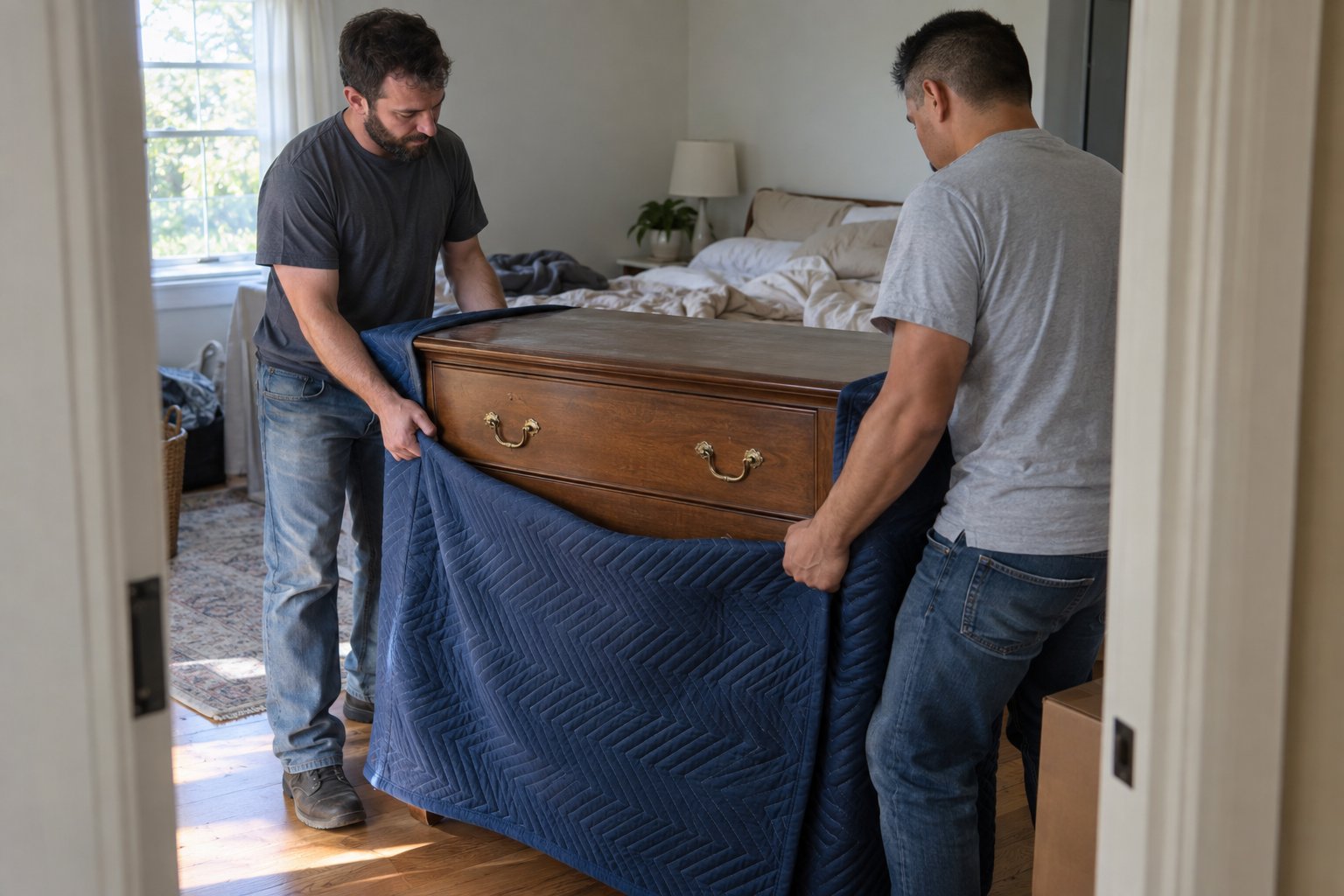
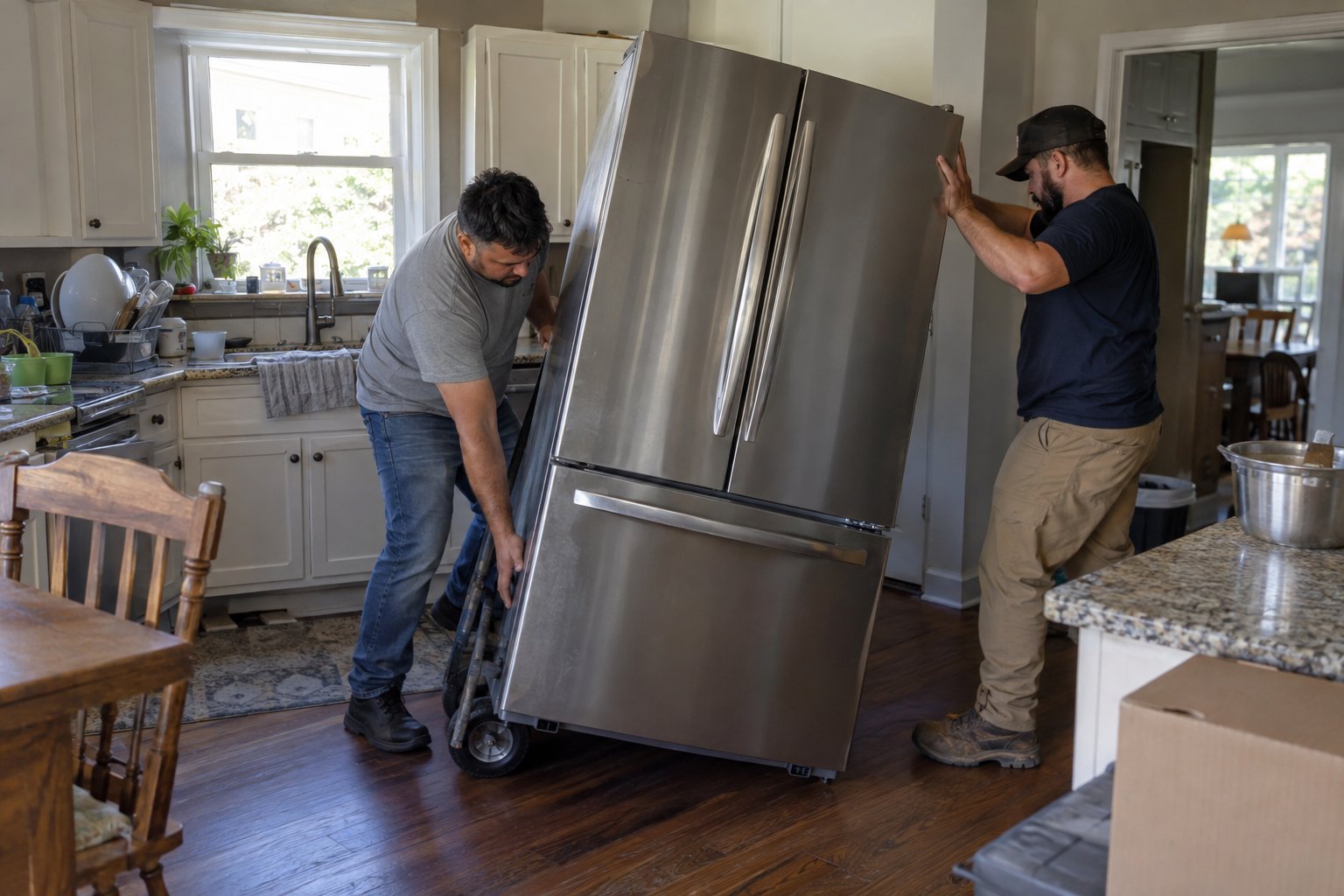
Letting movers handle furniture and heavy equipment while you personally transport your day one bag and backup drive is usually the best split. It frees you to focus on staying online instead of lifting a filing cabinet.
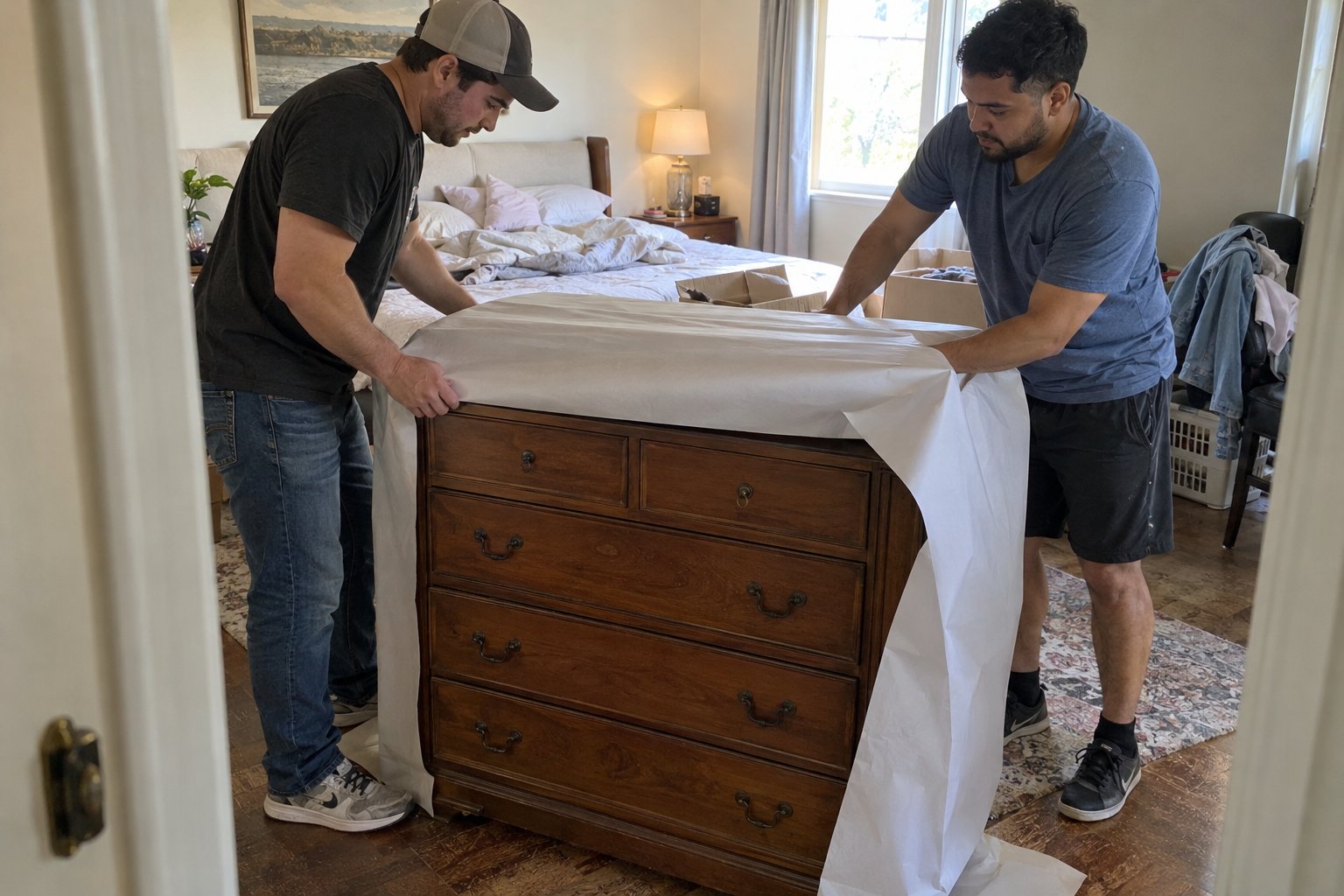
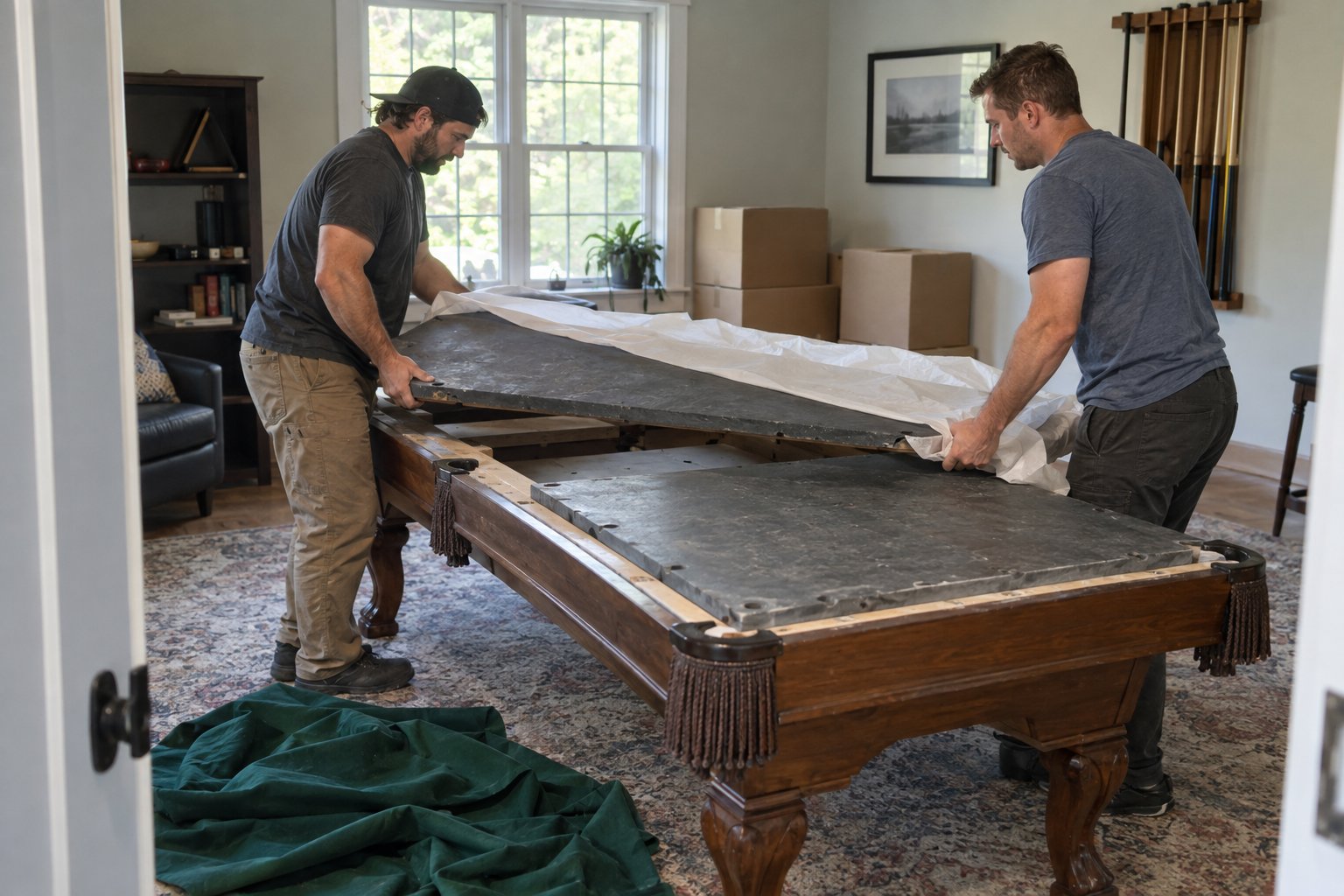
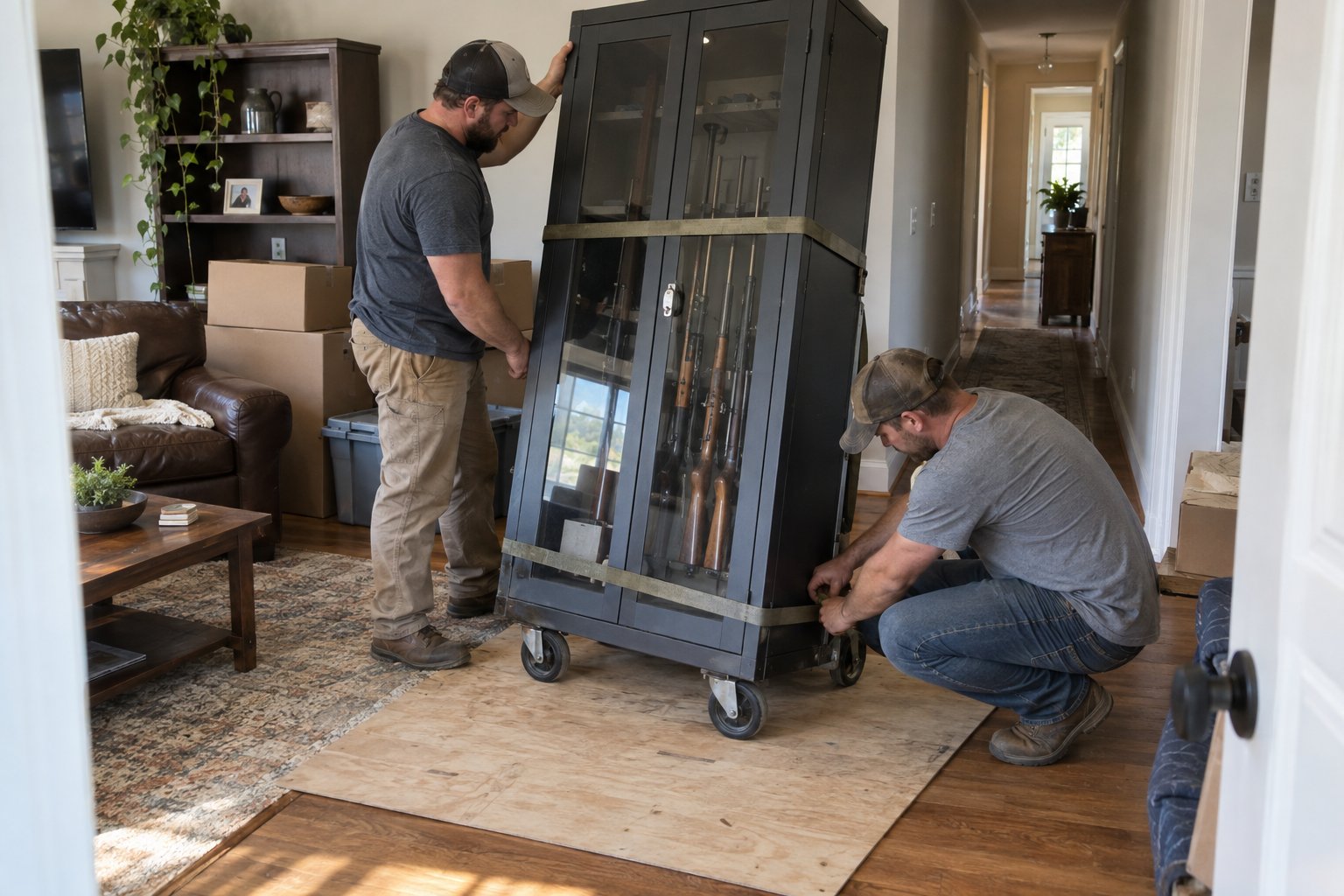
A crew experienced with residential moves can disassemble and reassemble desks and shelving quickly, which matters if you are trying to be back at your desk the same day. If your setup includes anything unusually delicate, like specialty audio or recording equipment, treat it the way you would a piano or other specialty item and flag it ahead of time so movers can plan for it. Our local moving crew regularly handles this kind of split move, packing and hauling the furniture while you keep working out of a temporary setup.
Most people can be functional within a few hours of arrival if they packed a day one bag and scheduled internet ahead of time, even if the rest of the house takes days to unpack. Full setup, cable management, and a permanent desk arrangement usually take longer and that is fine.
Set client expectations honestly. A short note ahead of time saying you may be slower to respond on moving day buys you more goodwill than scrambling silently and missing something. If your move is happening across a longer distance, build in extra buffer since equipment spends more time in transit and internet installation windows can be tighter to schedule around a specific arrival date.
Once your office plan is set, the rest of the move can follow a normal room-by-room schedule without competing for your attention on moving day. Building a simple moving day checklist that includes your internet transfer date and day one bag as line items keeps those tasks from getting lost among boxes and furniture.
If budget and cost are part of your decision on how much to hire out, a look at typical moving costs in Nashville can help you decide whether a full crew or a partial-service move makes more sense for your situation. Whatever you decide, get quotes early so scheduling does not become the thing that delays your office setup. Get a moving quote and lock in a date that gives you breathing room before your next deadline.
Aim for at least one to two weeks ahead, since many providers need that much lead time to book an installation appointment, especially during busy moving months. If your new address already has service ready, you may only need a simple transfer, which can often be done faster.
Use your phone as a mobile hotspot or a dedicated hotspot device as a temporary bridge. Test this option before moving day so you know your data plan can handle it and that you have decent signal at the new address.
Movers can pack and transport monitors, printers, and desk equipment safely, but it is best to personally carry your laptop, external hard drives, and anything with irreplaceable data rather than putting it on the truck.
Photograph your desk and cable setup before disconnecting anything, and label cords by device with tape or a marker. This turns reassembly into a matter of matching labels instead of guessing which cable belongs where.
It can be, especially for heavier or awkward pieces like standing desks, file cabinets, or bookshelves. Hiring help for the bulky items while you personally handle electronics and documents is a common hybrid approach for remote workers.
Whether you’re moving a home, apartment, office, or just a few heavy items, We Haul Nashville is ready to help make the process easier.